
Desk Divider Sizes: How to Choose Height, Width and Fixings
Posted by Panelscreens on 2nd Oct 2026
Posted by Panelscreens on 2nd Oct 2026
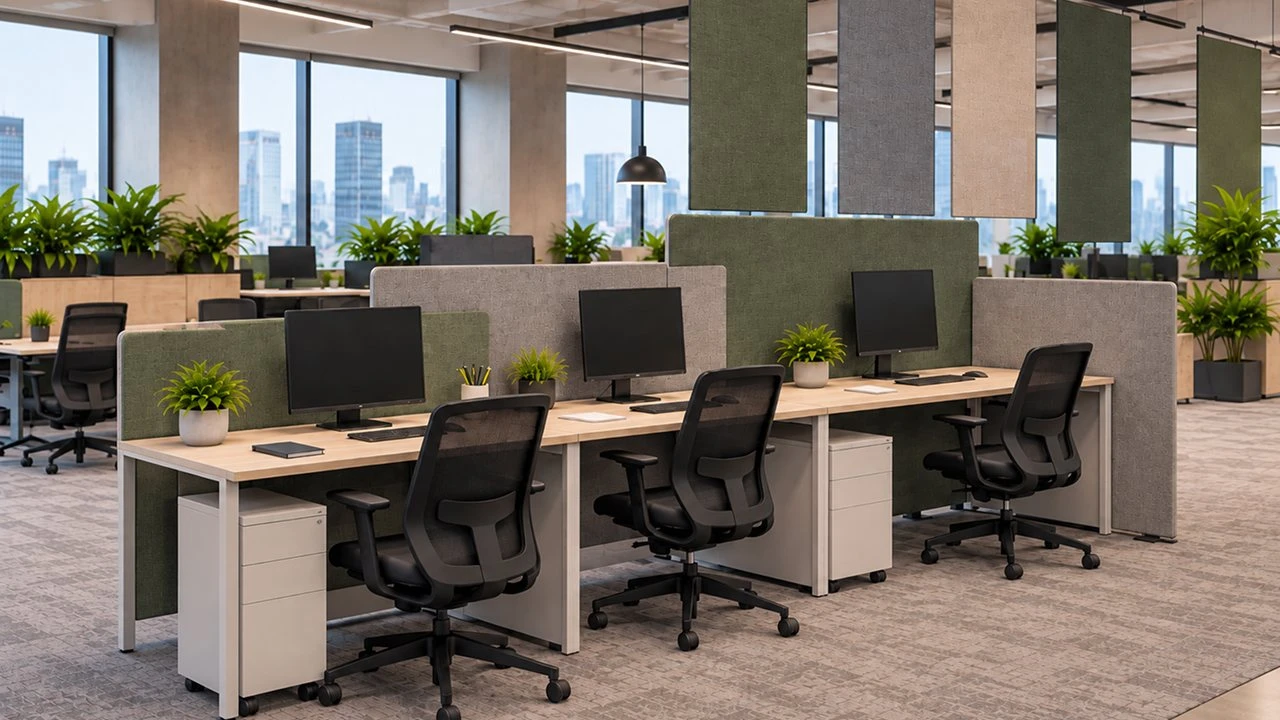
The right desk divider is as wide as the desk, tall enough to block the person opposite when you are both sitting, and fixed with a clamp that fits your desk thickness. Get those three things right and the screen will do its job.
This guide explains how to choose each one, with the sizes we make. You can browse all desk divider screens as you read.
Choose a screen the same width as the desk, or slightly narrower so it does not overhang. Our main desk screens come in widths from 800mm to 1800mm, in 200mm steps, so most standard desks have an exact match.
On bench desks, fit one screen per desk position rather than one long screen. Separate screens are easier to fit, move and replace.
Height is measured from the desk top to the top of the screen. The taller the screen, the more privacy and the more direct sound it blocks between seated colleagues.
A screen across the front of the desk blocks the person opposite. Side screens, or returns, block the people beside you. Our Edge Fabric 38 slide-on desk dividers come in 700mm widths for 600mm-deep desks and 900mm widths for 800mm-deep desks.
Most desk screens clamp onto the edge of the desk, and each clamp fits a set range of desk thicknesses. Measure your desk top before you order.
Also check for anything under the desk edge that could block a clamp, such as cable trays, frames or modesty panels. If clamps will not fit, a freestanding desk screen with its own feet sits on top of the desk instead. Our guide shows how to fit a desk divider with clamps.
| Screen | Widths | Heights |
|---|---|---|
| Edge Fabric 38 | 800mm to 1800mm | 380mm, 450mm |
| Hush 50 | 800mm to 1800mm | 400mm, 500mm, 600mm |
| Muffle 70 | 800mm to 1800mm | 400mm, 500mm, 600mm |
| Softline 30 | 800mm to 2000mm | 650mm |
Between 400mm and 600mm above the desk suits most offices. Choose around 500mm for everyday open-plan desks, and 600mm or more for call centres and focused work.
Yes, or slightly narrower so it does not overhang. Our main desk screens come in widths from 800mm to 1800mm.
Check your desk thickness. Edge Fabric 38 clamps fit desks 17mm to 28mm thick, and our Muffle 70mm clamps fit desks 28mm to 70mm thick.
Many of our screens are made to order in the UK. Contact our team with your desk sizes and we will advise.
Not sure which size you need? Contact our team, Monday to Friday, 9am to 4pm.
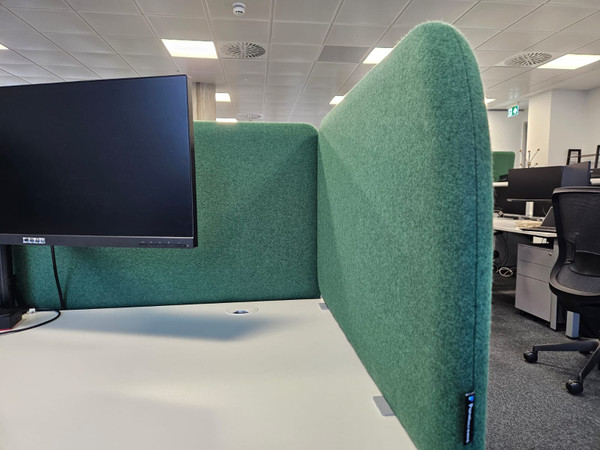 Case Study: Bespoke Acoustic Desk Screens for Vorwerk